
How central stations can recognize hidden platform friction, evaluate alternatives, and reduce migration risk
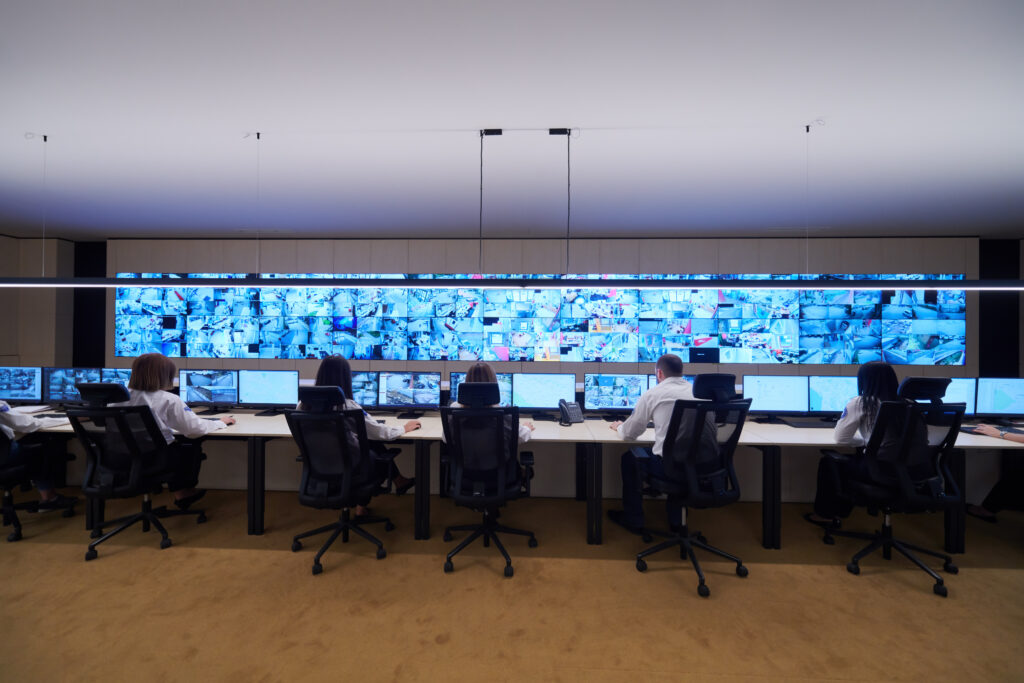
When you run a central station, your alarm monitoring platform is not just another software line item. It is the operating environment through which signals are prioritized, instructions are presented, operators act, supervisors intervene, and customers receive the outcome.
That is why replacement decisions are difficult. The current platform is familiar, operators know its workarounds, and changing it introduces real operational risk. As long as alarms keep moving through the center, it is easy to conclude that the system is still doing its job.
But still running is not the same as still supporting the operation.
Over time, extra clicks become routine. Spreadsheets fill reporting gaps. Operators learn which screens to avoid. Supervisors add manual checks. New services become harder to launch. Each issue may look manageable on its own, while the accumulated friction quietly increases the cost and complexity of running the center.
The better question is not simply, “Does our platform work?” It is, “Does it still help our central station operate efficiently, consistently, resiliently, and with room to change?”
Why Platform Friction Is Easy to Miss
A monitoring platform rarely becomes a poor fit all at once. More often, the operation adapts around it. Experienced operators develop shortcuts. Supervisors create side reports. IT teams maintain custom connections. New hires are taught not only the process, but the exceptions to the process.
Because the alarms are still being handled, those adaptations can look like normal operations instead of evidence that the platform is creating unnecessary work.
A useful assessment starts beyond uptime and feature availability. Ask where the team is compensating for the system: Which tasks depend on a particular person’s memory? Where do operators leave the workflow to finish a task? Which reports require manual cleanup? What integration or service requests are repeatedly delayed because they are difficult to support?
Those are the places where operational fit is starting to break down.
Do Not Let the Feature Matrix Make the Decision
Feature comparisons are useful, but they can also make very different platforms look identical. Two vendors may both offer automation, reporting, video integration, cloud deployment, or mobile access. A checkmark does not show how the capability behaves during a busy shift, how much configuration it requires, or how many steps an operator must take to reach the right outcome.
A feature matrix is a description of capability. Your real requirements are the workflows the central station must execute under pressure.
Before comparing products, walk a signal from the receiver to final disposition. Include the exceptions, not just the ideal path. What happens when standing instructions are outdated? When a keyholder does not answer? When a dealer requests a change during an active event? When a communication path fails? When a storm triples traffic?
That walk-through becomes a far more useful requirements document than a generic list of features.
Six Mistakes That Create Long-Term Inefficiency
1. Starting with a feature wish list
A feature request often describes the symptom, not the problem. “More automation” may mean the queue is overloaded with routine work. “Better reporting” may mean supervisors cannot find the data needed to coach operators or explain performance. Define the operational outcome first: what should take less time, what errors should become harder to make, where should supervisors gain visibility, and which services should become easier to add?
2. Treating every checkmark as equal
Require every vendor to perform the same realistic scenarios. Use a high-priority event, an exception to the normal action plan, a dealer-requested account change, a traffic spike, a supervisor review, and an integration failure. Count steps. Note where the operator leaves the workflow, remembers information, or re-enters data. The comparison should be based on observed work, not presentation polish.
3. Comparing purchase price instead of operating cost
License and hosting costs are visible. The larger costs may be spread across staffing, duplicate entry, report preparation, custom integrations, training, maintenance, downtime planning, internal administration, and future workflow changes. Build a total operating cost view that includes implementation, conversion, infrastructure, support, upgrades, and the labor the platform creates or removes.
4. Treating migration as a data transfer
Account records are only part of the move. A functioning central station also depends on contact rules, authorities, schedules, action plans, signal history, receiver paths, telephony, dealer access, permissions, reports, integrations, and exception handling. Ask for a migration plan that covers mapping, cleansing, sample conversions, reconciliation, testing, cutover, rollback, and post-launch support. Moving every legacy workaround into a new platform only gives the workaround a newer screen.
5. Involving operators too late
Executives, IT, finance, and procurement see important parts of the decision. Operators and supervisors see different risks: buried context, confusing prompts, extra navigation, weak queue behavior, and steps that do not match what happens during a live event. Bring frontline users into scripted demonstrations and testing early. Their role is to identify whether the workflow supports accurate, consistent action under real operating conditions.
6. Evaluating today’s operation only
A platform decision has to support changing event types, richer information, new services, evolving procedures, and external connections. Do not buy a roadmap on promise alone. Validate how integrations are built and maintained, how workflows are configured, how changes are tested, which deployment models are supported, and how upgrades affect the center.

Test the Platform Against Your Worst Night
Every platform can look good in a quiet demonstration. Central stations do not operate only on quiet days.
Evaluate the system for the storm that drives a surge of signals across an entire region, the communication failure that floods the queue with trouble conditions, or the dealer issue that creates thousands of unexpected events. Ask what happens under load, what fails over automatically, how degraded conditions are presented to operators, and what the actual purchased deployment looks like when a path or component goes down.
Resilience should be demonstrated as part of the operating model, not treated as an architecture slide.
Require an Open Path to the Systems You Already Run
A central station already depends on receivers, telephony, video, access control, dealer tools, automation, business systems, reporting, and other applications chosen for specific reasons. A replacement platform should not quietly turn those choices into future constraints.
Ask which integrations exist today, how they are maintained, what adding a new one requires, whether APIs or developer tools are available, and who owns the resulting data. Also consider the services you have not launched yet. The platform you select now will influence whether future offerings are straightforward extensions or expensive integration projects.
Use an Operational Scorecard, Not a Feature Contest
Score every platform—including the incumbent—against the same operating criteria. Set the weights before demonstrations begin so a polished presentation does not redefine what matters most.
- Critical-event handling: prioritization, action plans, escalation, verification, exception handling, and documentation.
- Operator usability: information clarity, number of steps, queue behavior, supervisor visibility, and training effort.
- Integration fit: receivers, telephony, video, access control, dealer tools, business systems, APIs, and data ownership.
- Resilience and compliance: redundancy, disaster recovery, access controls, auditability, testing, and requirements relevant to your listings and services.
- Management insight: real-time visibility, historical reporting, quality review, workload analysis, and data that supports staffing and service decisions.
- Implementation and support: migration method, named responsibilities, training resources, escalation paths, support coverage, and upgrade practices.
- Total operating cost: recurring, one-time, internal, and workflow-related costs across the expected life of the platform.
Know When the Current Platform Is Truly the Problem
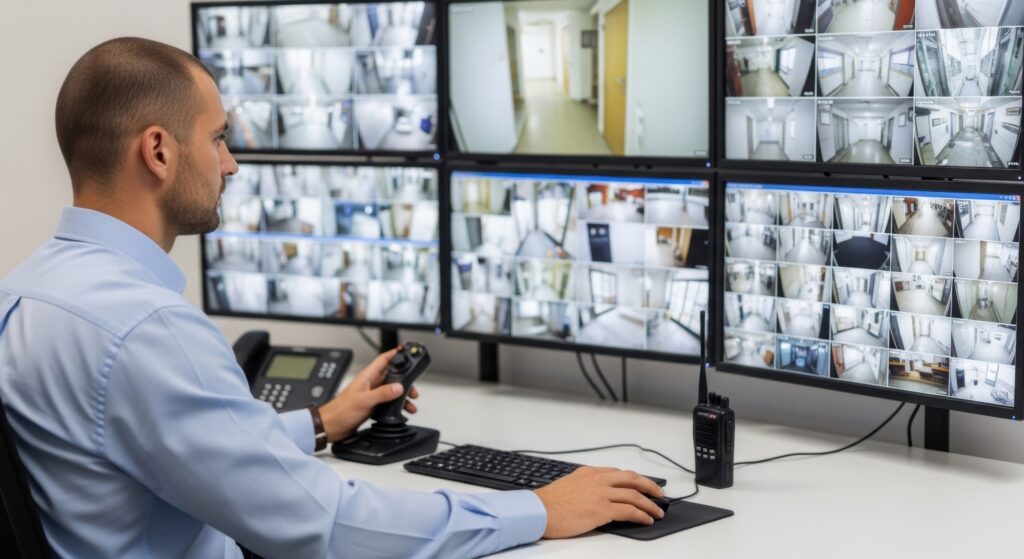
Replacement deserves serious consideration when the platform repeatedly limits the operation, not simply when the interface looks dated. Common warning signs include:
- Operators rely on spreadsheets, side systems, or memory to complete common workflows.
- Adding a service, integration, customer type, or location requires disproportionate effort.
- Supervisors cannot easily see queue conditions, exceptions, quality trends, or operator performance.
- Training takes longer because the system does not guide consistent action.
- Reporting depends on manual exports and cleanup.
- The available support, deployment, resilience, or upgrade path no longer matches operational needs.
A new platform will not repair an undefined process. If teams disagree about the correct workflow, resolve that before configuration begins. A replacement project should simplify and standardize the operation, not automate ambiguity.
A Better Platform Decision in Six Steps
1. Build a cross-functional decision team.
Include operations, frontline operators, supervisors, IT, compliance, dealer or customer service, finance, and an executive owner.
2. Baseline the current operation.
Document signal volumes, handling steps, manual work, recurring incidents, training effort, integration dependencies, reporting effort, and the metrics that matter to service quality.
3. Translate pain points into requirements.
Write requirements as measurable outcomes and realistic scenarios rather than broad feature labels.
4. Run the same scenarios with every vendor.
Use representative data and require the proposed configuration, not only a generic demonstration environment, whenever practical.
5. Validate migration and continuity before selection.
Review sample conversions, testing responsibilities, parallel-operation options, rollback criteria, disaster recovery, training, support coverage, and launch governance.
6. Score the complete operating model.
Combine scenario results, implementation confidence, support, references, vendor evidence, and total operating cost. Record assumptions so the decision can be challenged and explained.
The Best Platform Is the One the Operation Can Sustain
Replacing a monitoring platform is not a one-time technology purchase. It is a decision your team may operate around for years. The strongest choice is the platform that makes the central station easier to run, easier to understand, and better prepared to change.
Features still matter. Price still matters. They become useful only after the team is clear about the operational problem it is solving and the evidence it will require from every vendor.
If your assessment shows that the current platform no longer fits, Bold Group offers Manitou and Stages for central stations with different operational requirements, supported by integration options, training resources, and alarm-monitoring support. Apply the same operational scorecard, validate the fit, and choose the path that best supports your team. To learn more, visit boldgroup.com.